
Manuals & technical resources.
Find family manuals, model drawings and operating guides. Match the document to your supplied model and revision.
Open family manuals
Family manuals.
Details
These are English family manuals. Match the model, controls and document revision with your quotation or nameplate before applying their instructions.
SXKT Smart
Version 1.0, English compact edition. Standard SXKT-001-1200 through SXKT-001-2400. Technical edition 13 September 2026; compact translation 21 September 2026. Match the supplied manual and drawing to the unit.
Open SXKT Smart manual Watch operation guideSXRX Smart
English · Document version 2026.08 FINAL. RX / RX-5 smart fireplaces; match the supplied model and configuration.
Open SXRX Smart manual Watch operation guideSXRX Manual
English · Document version 2026.08 FINAL. Manual burners; match the supplied model and operating mechanism.
Open SXRX Manual manual Watch operation guide
Installation dimensions by model.
These six PDFs cover the listed standard linear units only. They are planning references, not construction approvals; verify the exact supplied unit and approved drawing before cutting.
SXKT Smart
SXRX Smart
Preview the reference drawing
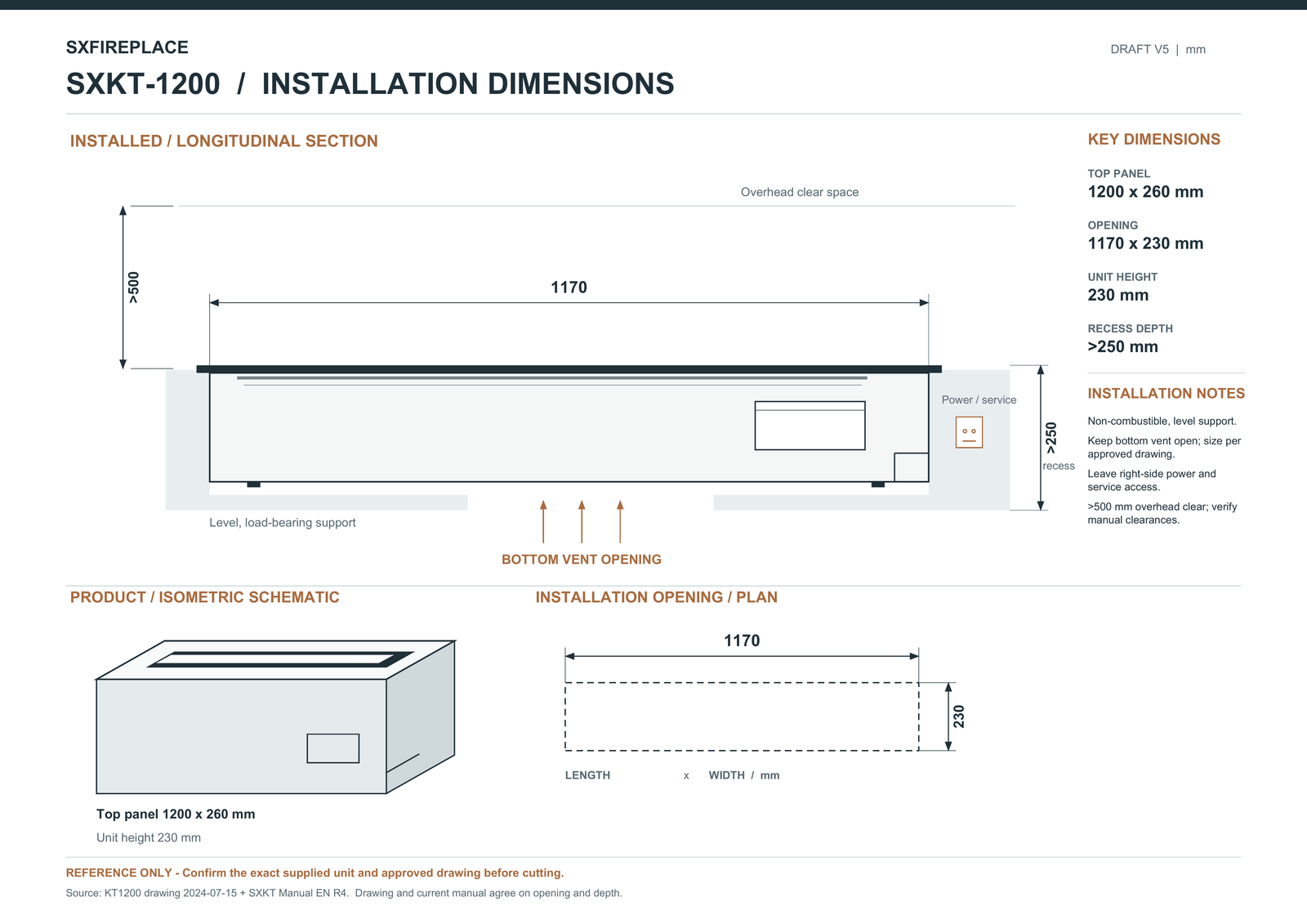
Reference compilation dated 2026-09-25. Obtain the approved current model drawing for construction.
Open the source PDF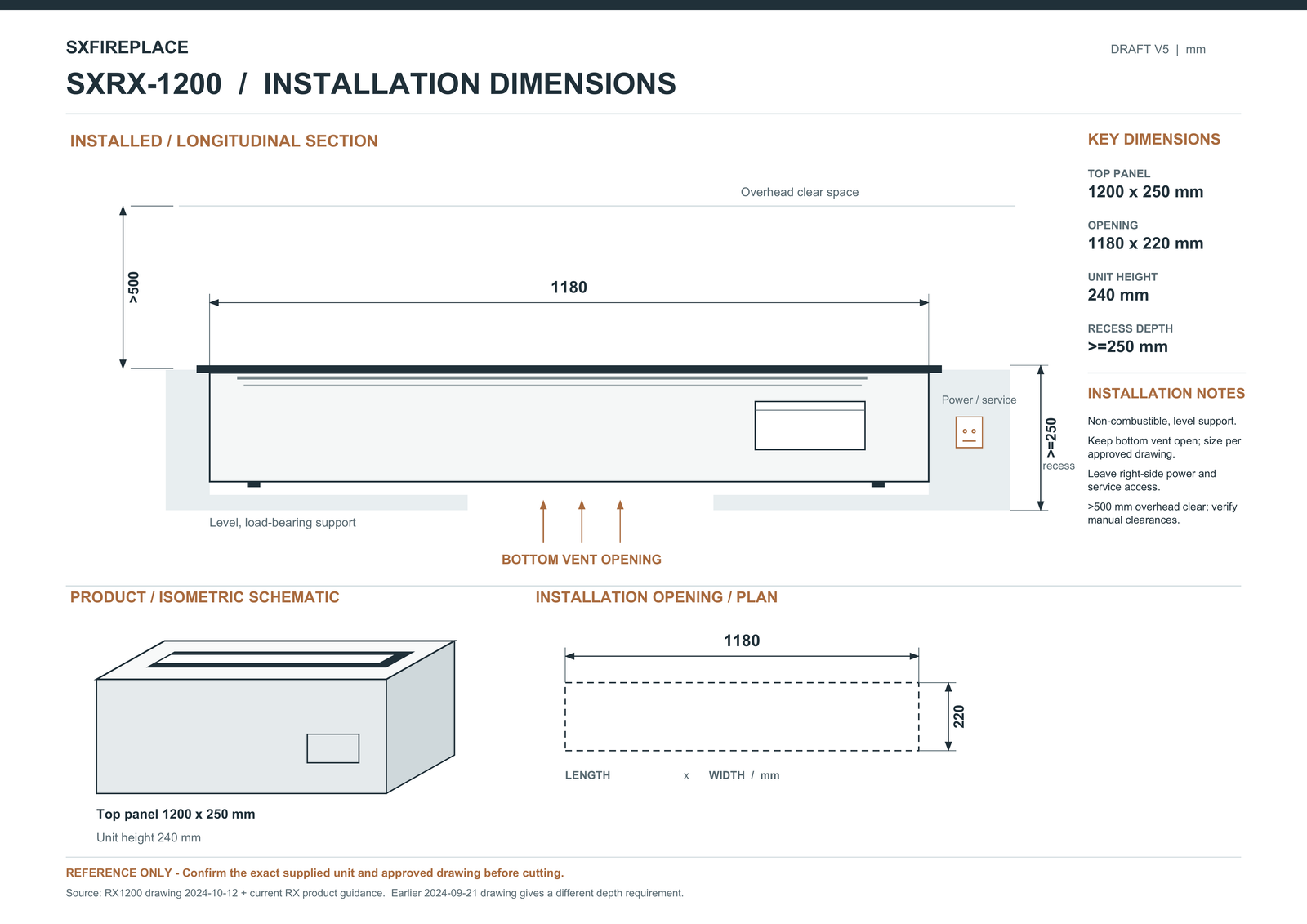
Reference compilation dated 2026-09-25. Confirm the source revision and required depth for the supplied unit.
Open the source PDFPlanning guides.
Use these guides to prepare your project brief and review the selected configuration with SXFireplace.
Control selection
Details
Compare manual and smart operating approaches.
Dimensions & cutouts
Details
Separate nominal product size from the construction opening.
Operation & handover
Details
Prepare the information needed by the responsible operator.
Confirm the drawing before fabrication.
Details
A catalogue length is not a cutout dimension. A base-burner reference may also differ from the dimensions of a framed or sculptural complete unit.
Overall size & opening
Details
Request model dimensions, cutout, supports and clearances. Include surrounding joinery and finishes in the review.
Controls & services
Details
Check the supplied controls, electrical requirements and operating and service access. The family name alone does not define the control package.
Declarations & test reports
Details
Request the available documents for the exact model and destination. EN 16647 testing is in progress and the report has not been issued. Historical document covers do not establish current model coverage or project acceptance.
Choose the guide for your control family.
Details
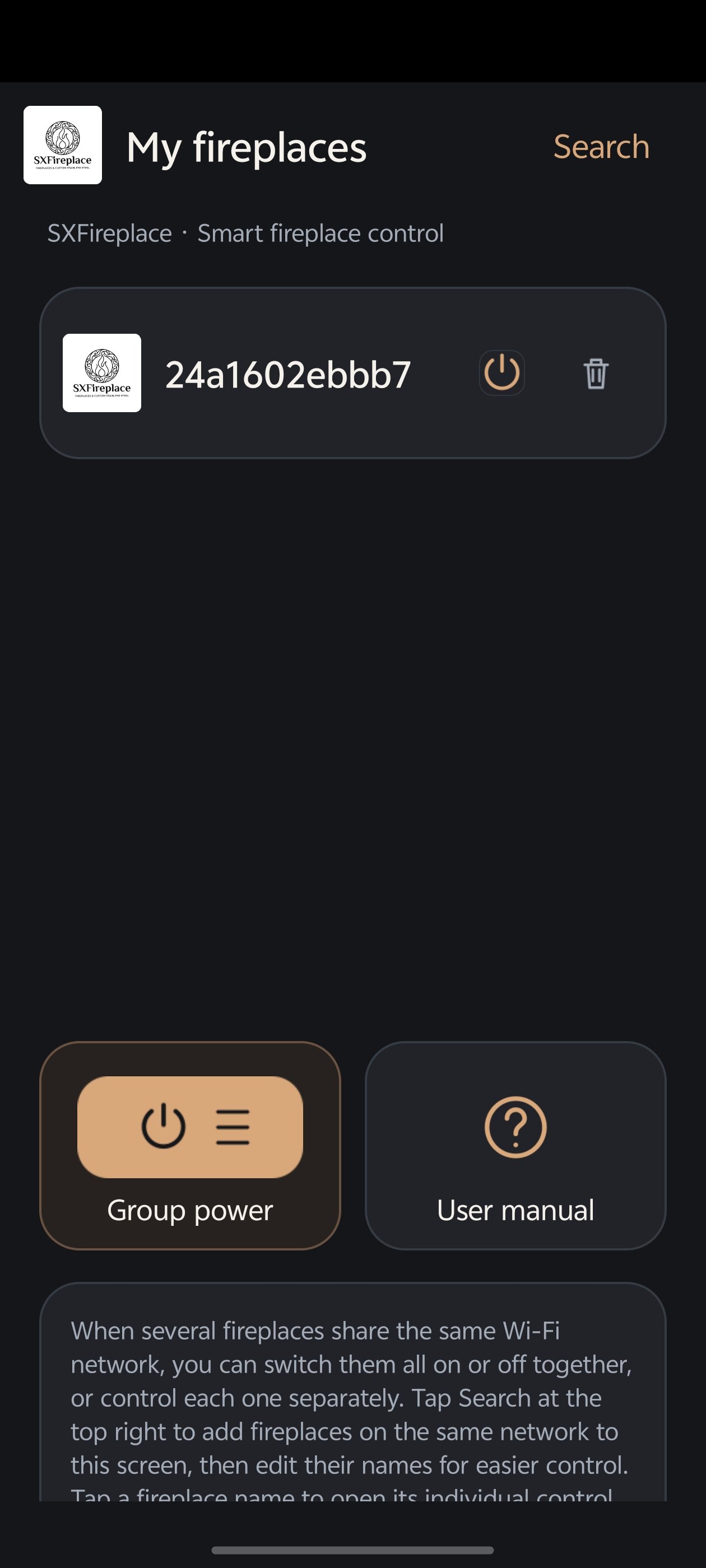
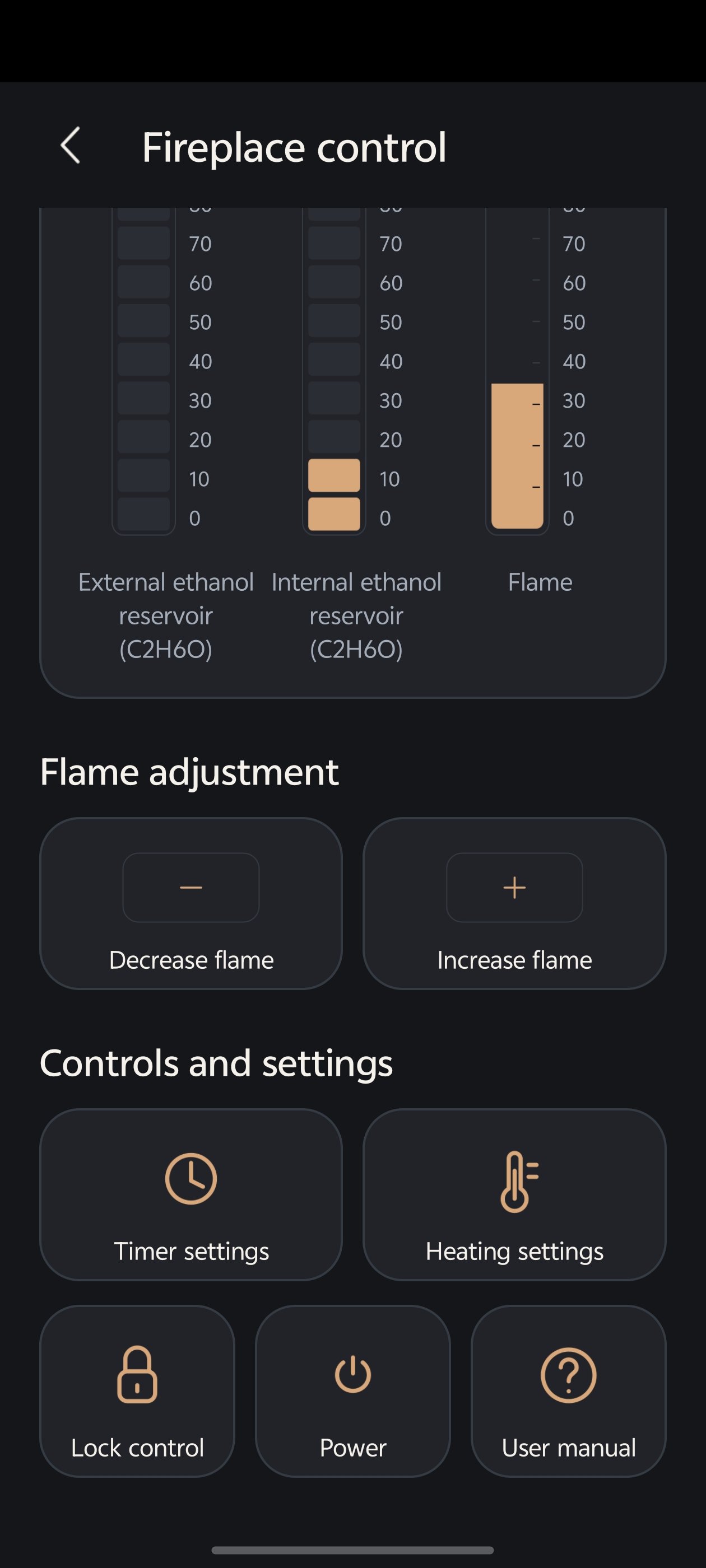
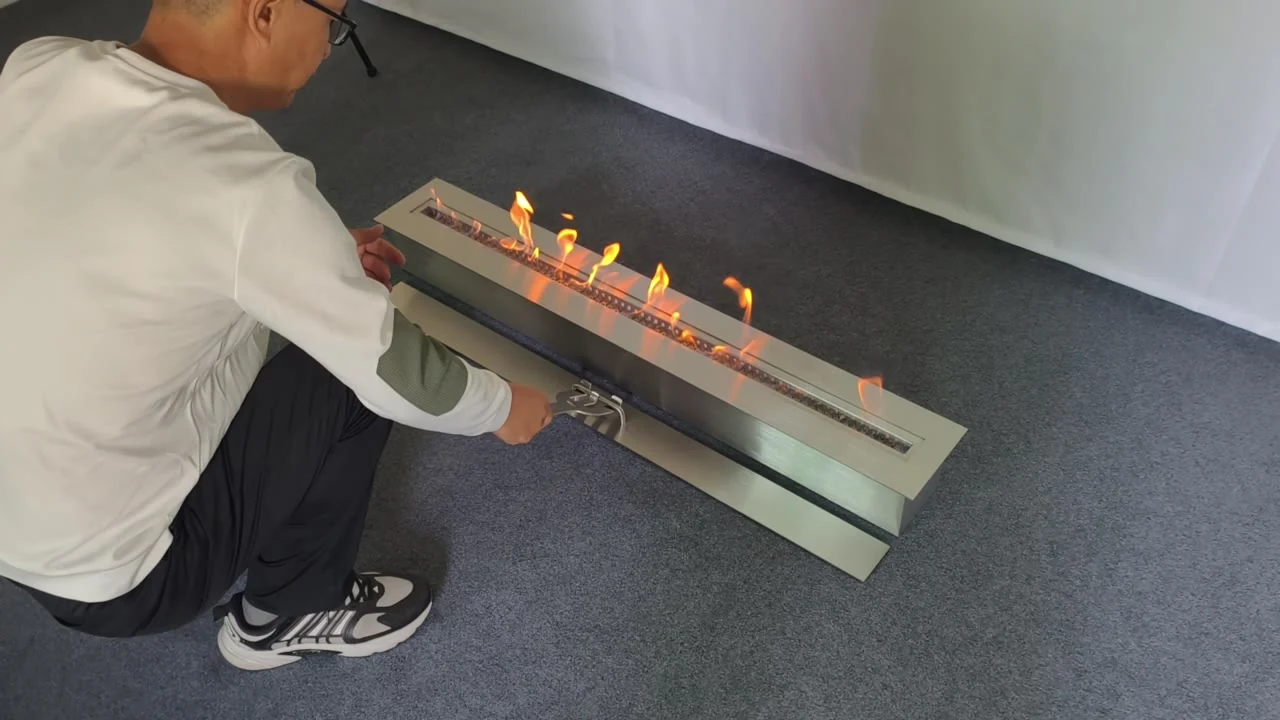
Choose the SXKT Smart, SXRX Smart or SXRX Manual operation video for your supplied family. Use it alongside the matching model manual.
SXKT Smart Fireplace
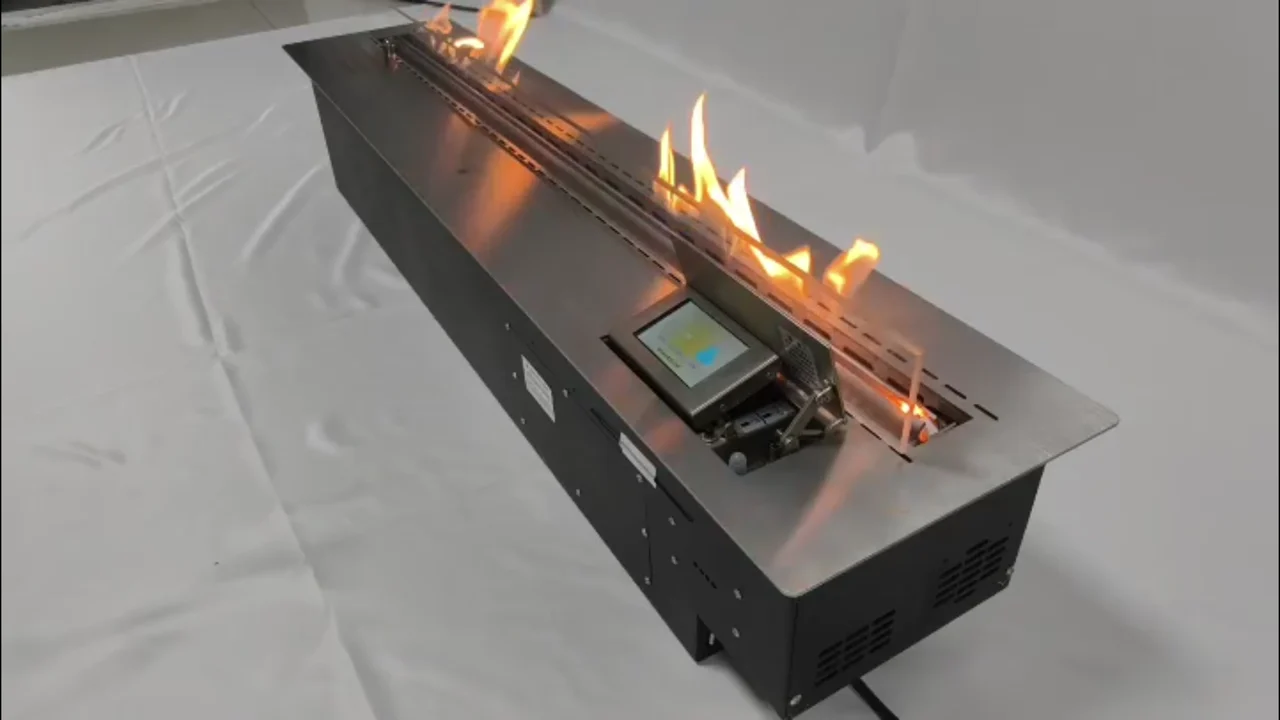
SXRX Smart Fireplace
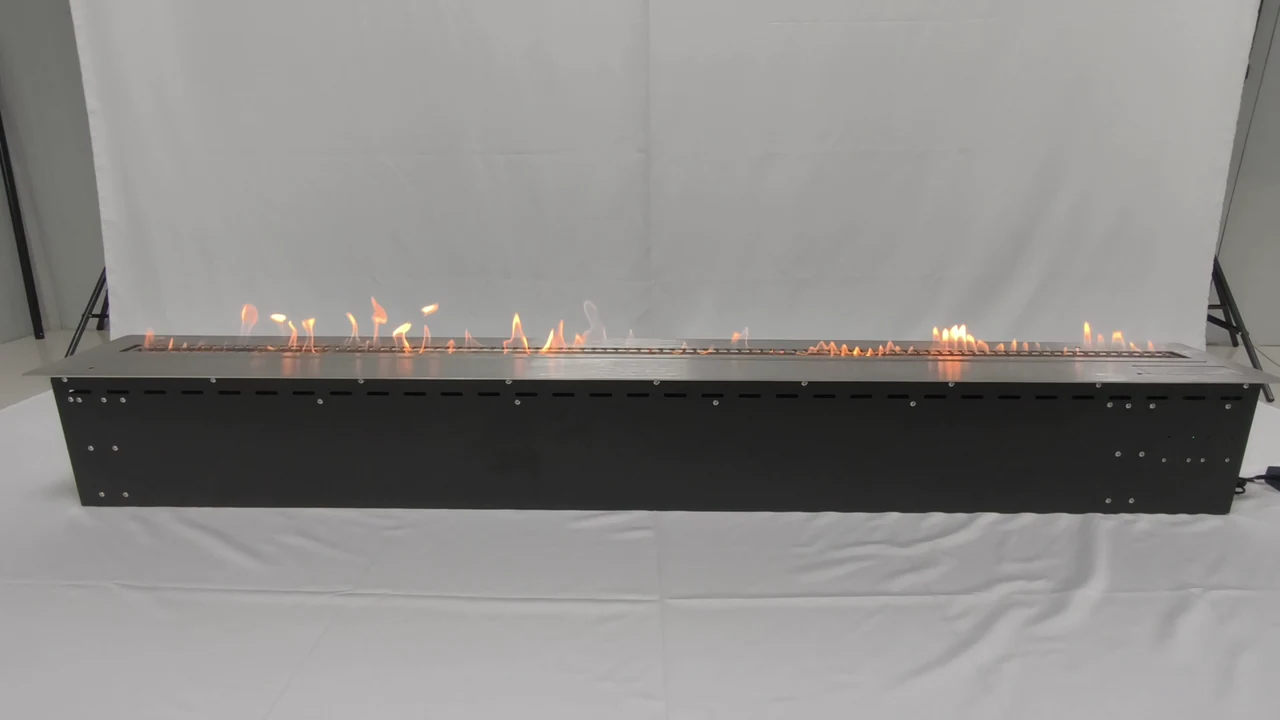
SXRX Manual Fireplace
Questions.
Can I use a family manual or reference PDF to cut an installation opening?
No. Confirm the exact supplied model, applicable instructions and approved drawing before fabrication. Nominal product dimensions, cutout dimensions and complete decorative assembly dimensions may differ.
Are CAD or BIM files available for every product?
This library does not list a verified CAD or BIM download for every product. Send the model reference and required file format to confirm what is available for your project.
What should I send when requesting technical documents?
Include the product or quotation reference, selected size, destination country, intended placement and the document needed. If you are working with a framed or sculptural unit, identify whether you need the base burner or complete-unit drawing.
Discuss your project.
Send your model or drawing for review.